Start with the problem you need to solve.
Choose the guide that matches what you want to do: learn the basics, choose software, or complete a specific editing task.
Start here
Choose a video editor
Learn specific editing tasks
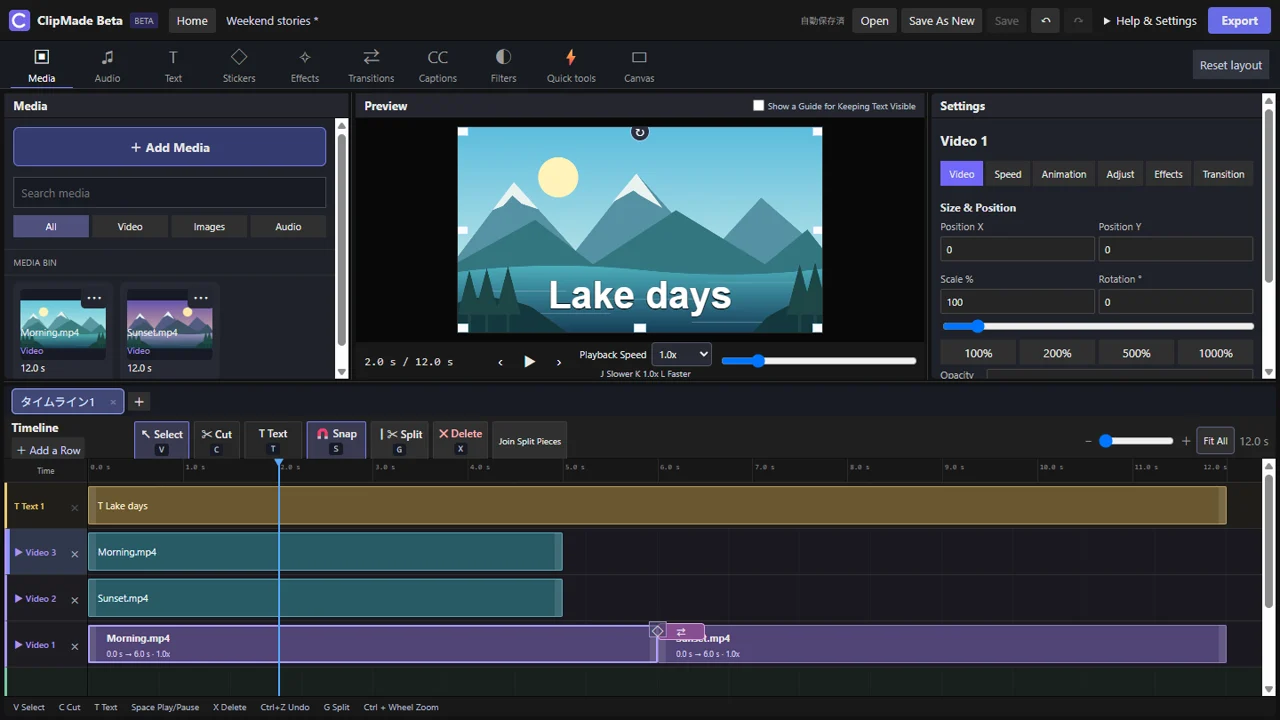
Core skills to learn first
Cut
Remove mistakes, long pauses and unused sections.
Add text
Use titles and short on-screen text for important information.
Balance audio
Keep speech clear when music or sound effects are present.
Choose an aspect ratio
Use a layout that fits standard YouTube video or vertical social video.
Save and export
Save the editable project, then export the finished video as an MP4.
Try ClipMade Beta
The current Windows Beta is free and focuses on the same core workflow covered by these guides.
Join the free Beta →Learn about ClipMade →