Completing the full workflow once makes every later project easier.
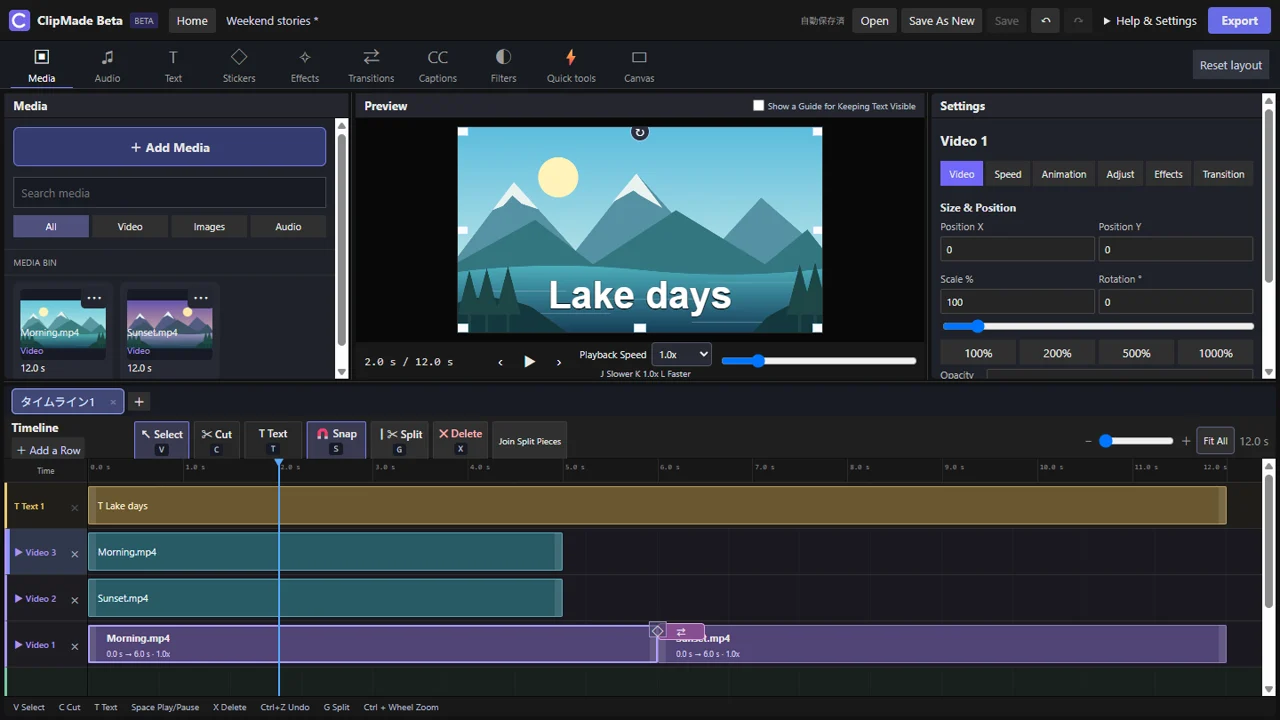
Six-step Windows editing workflow
Choose a standard horizontal video or a vertical Shorts-style video before placing text.
Keep video, images and audio organized in one project folder.
Remove long pauses, mistakes and repeated sections before adding effects.
Use on-screen text for important points and keep BGM below spoken audio.
Play the video from start to finish and check framing, text and volume.
Export an MP4 at the resolution you need and play the exported file once.
What beginners can skip at first
Advanced color work, complex compositing, detailed keyframes and large effect libraries are not required to learn the basic editing loop. Start with cutting, text, audio, saving and export.
Practice the workflow in ClipMade Beta
The current Windows Beta is free and focuses on these core editing steps.
Join the free Beta →More editing guides →